999db Login — Fast, Safe Account Access
Sign in to 999db with a smooth login flow built for Bangladesh users. Use your phone or email, confirm OTP when needed, and keep your account protected with simple security checks. If you prefer mobile access, download the official 999db APK and log in with the same credentials.
- 1-Min Quick Login
- OTP Extra Protection
- 24/7 Access Anywhere
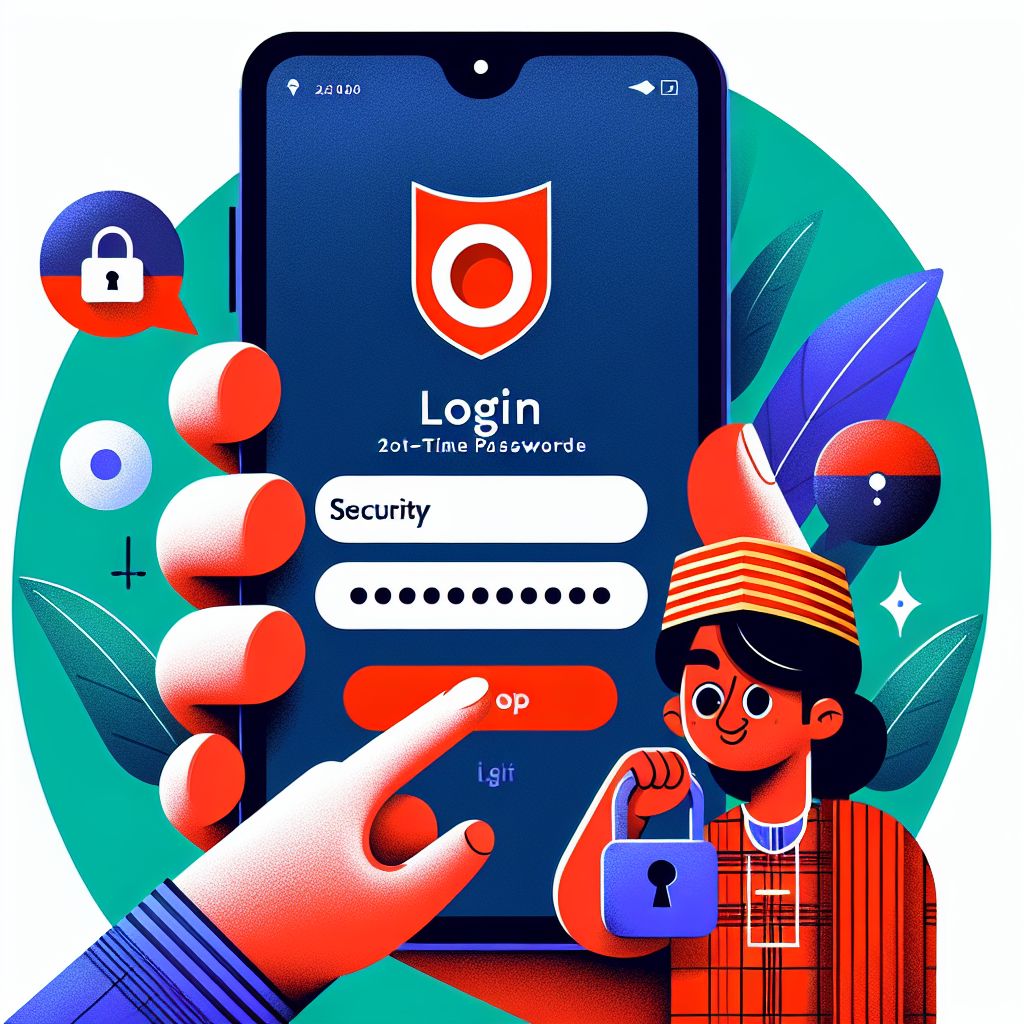
999db Login Guide for Bangladesh (Step-by-Step)
The 999db Login process is designed to be quick on both mobile data and Wi‑Fi connections in Bangladesh. You can sign in using your registered phone number or email, then confirm your identity if an OTP check appears. For the best experience, keep your browser updated and avoid using shared devices. If you want a smoother mobile flow, the 999db APK keeps your login faster and more stable.
Step 1: Open 999db Login
Go to the official 999db Login page or open the 999db APK on your Android device. Make sure the page URL is correct and avoid links from unknown sources. This helps you stay protected from fake login pages. Once opened, you’ll see the sign-in fields immediately.
Step 2: Enter Your Details
Type your registered phone number or email and your password exactly as you created them. If your keyboard auto-fills, double-check for extra spaces or wrong characters. On some devices, switching to English keyboard can prevent input errors. Tap the login button to continue.
Step 3: Confirm OTP (If Prompted)
If 999db requests verification, enter the OTP sent to your phone or email. OTP prompts often appear when you log in from a new device, new browser, or after clearing cookies. If the OTP is delayed, wait briefly and check your network signal. Never share OTP codes with anyone.
999db Login Troubleshooting in Bangladesh
If your 999db Login fails, the most common cause is a small mismatch in phone/email, password, or OTP timing. Start by checking whether Caps Lock is on and whether your password manager inserted the correct credentials. If the OTP does not arrive, confirm your SIM has signal and that your email inbox is not filtering messages into spam. Switching between mobile data and Wi‑Fi can also help when local routing is unstable.
When you see repeated login errors, clear your browser cache or try an incognito window to remove old session data. If you use the 999db APK, update to the latest version to prevent compatibility issues. Avoid using VPNs unless necessary, because frequent location changes can trigger extra verification checks. For account safety, do not attempt too many password guesses in a row—use the reset option instead.
999db Login Security Tips for Bangladesh Users
Use the Official 999db Login Only
Always access 999db Login from the official site or the official 999db APK. Copycat pages can look identical but steal credentials. Save the correct link as a bookmark to avoid mistakes. If anything looks unusual, exit and retry from your saved source.
Create a Strong Password for 999db
Use a long password with a mix of letters, numbers, and symbols for your 999db Login. Avoid using your name, birth year, or simple patterns. A password manager can generate and store strong passwords safely. Change your password if you suspect anyone else has seen it.
Protect Your OTP and Email/SIM
OTP is a key security layer during 999db Login, so treat it like a private key. Never share OTP codes in messages or calls, even if someone claims to be support. Keep your email account secured with its own strong password. If your SIM is lost, secure it with your mobile operator quickly.
Log Out on Shared Devices
If you sign in from a shared phone or a cyber café device, log out after every 999db Login session. Do not allow the browser to save your password. Clear browsing data to remove stored sessions. This simple habit prevents unauthorized access later.